


CGFastTrack – Rigging Fundamentals LTS
Rigging Fundamentals LTS
LIFETIME MEMBERSHIP PRICING
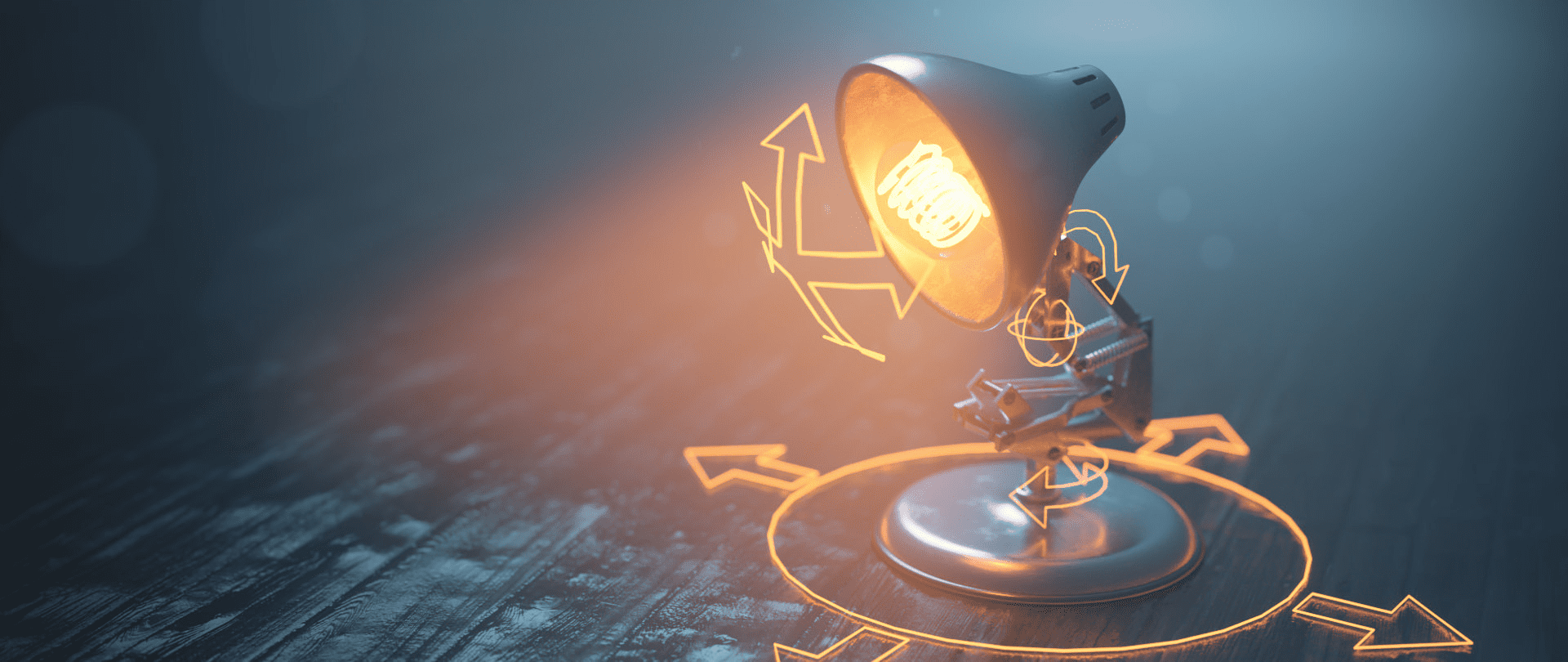
Take your animations to the next level by learning the fundamentals of rigging inside of Blender. In this series, you will learn the art of enabling your 3D models to move in a believable way by creating relationships between objects and an armature hierarchy system.
Part 1
Learn the basics of working with an armature and build out a basic rig. Then, extrude out the bones, set up the controllers, and set up your first inverse kinematics constraint.
Part 2
Build out the body of the lamp rig with this multi-layered inverse kinematics armature. Then, set up the springs to automatically move, squash, and stretch as the armature is animated. Then get the entire movement down to a single controller that enables very intuitive motion within the rig.
Part 3
Next is to set up the head stabilization controllers with multiple layers of location constraints to attach them to the body. Then, add a look-at constraint to animate the head in a natural motion automatically. Finally, create a central root controller to add flexibility to your animations.
Part 4
Test out your rig by building a stylized jump animation. Next, animate a squash and stretch motion with the rig and troubleshoot any issues that arise. Finally, add a cinematic presentation to your scene with a silhouette lighting and compositing setup.
Kit Includes
Lamp Model
Rigging Controllers
CGFastTrack – Rigging Fundamentals LTS | Homepage
كلمـــــــــــــــة الســــــــــــر اضغــــــــــط هنـــــــــــــا
مرتبط
اكتشاف المزيد من سوق المصمم
اشترك للحصول على أحدث التدوينات المرسلة إلى بريدك الإلكتروني.
اكتشاف المزيد من GFXAR
اشترك للحصول على أحدث التدوينات المرسلة إلى بريدك الإلكتروني.


